Elite Cattle Auctions: User Guide
Everything you need to know to successfully buy and sell on our platform.
Getting Started
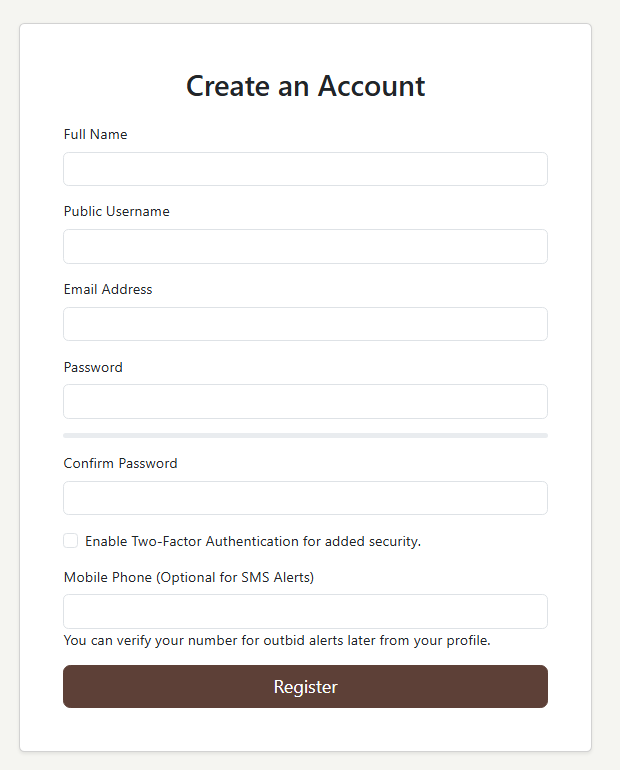
Creating Your Account
Click the "Register" button on the homepage and fill out the form. Once you register, you'll be logged in and taken to your dashboard.
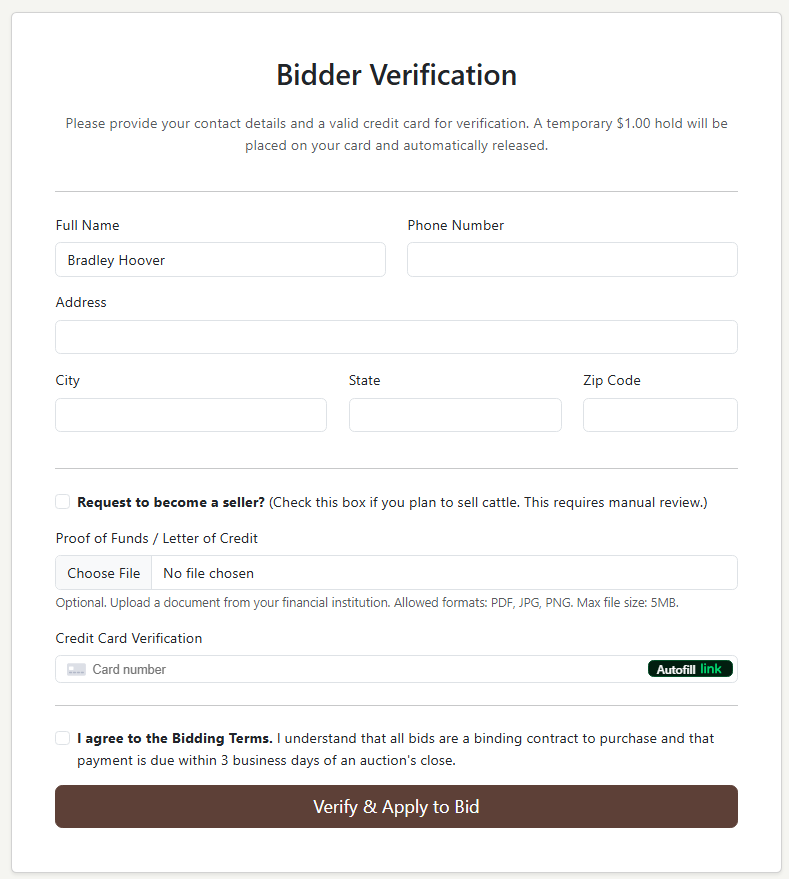
Applying to Bid (Verification)
Before you can bid, you must complete a one-time verification. From your dashboard, click "Apply to Bid" and fill out the form. A temporary $1.00 hold will be placed on your credit card for verification and then released. Our team will review your application and notify you upon approval.
For Buyers
Browsing & Bidding
Use the "Browse" page to search, filter, and sort all active auctions. The auction pages use a proxy bidding system: enter the maximum amount you're willing to pay, and our system will bid for you up to that limit.
Using Your Watchlist
The "My Watchlist" page is your personal hub. Any auction you bid on is automatically added. You can also add items manually by clicking the bookmark icon (🔖). From the watchlist page, you can place bids on all your tracked items without having to navigate to each individual page.
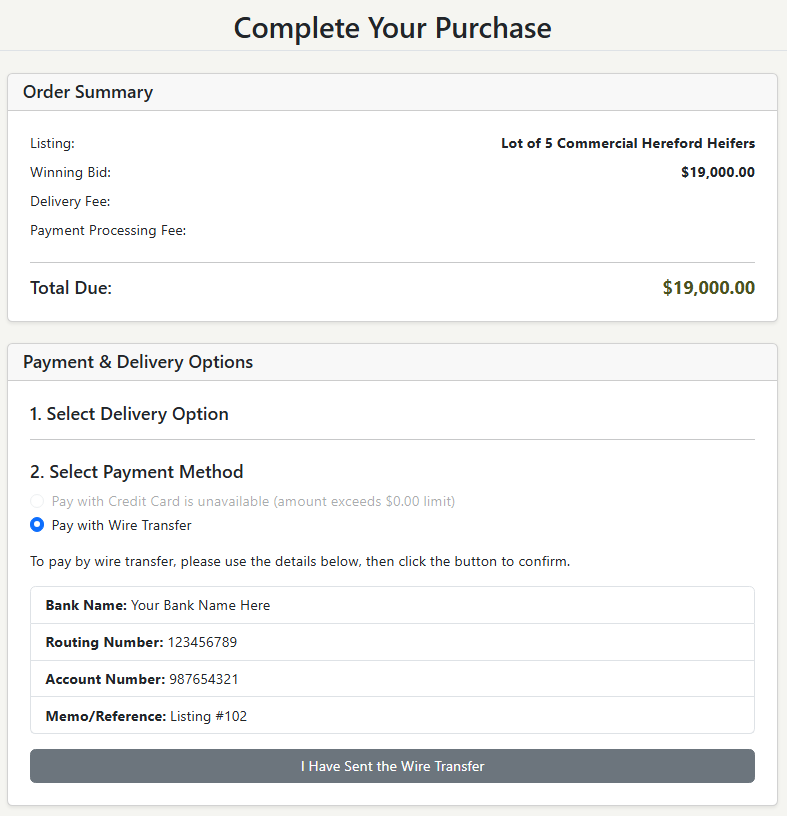
Winning & Paying
When you win, you'll be notified and can pay from your dashboard. On the checkout page, you'll confirm the price, select a delivery option, and pay securely with a Credit Card or Bank Wire Transfer.
For Sellers
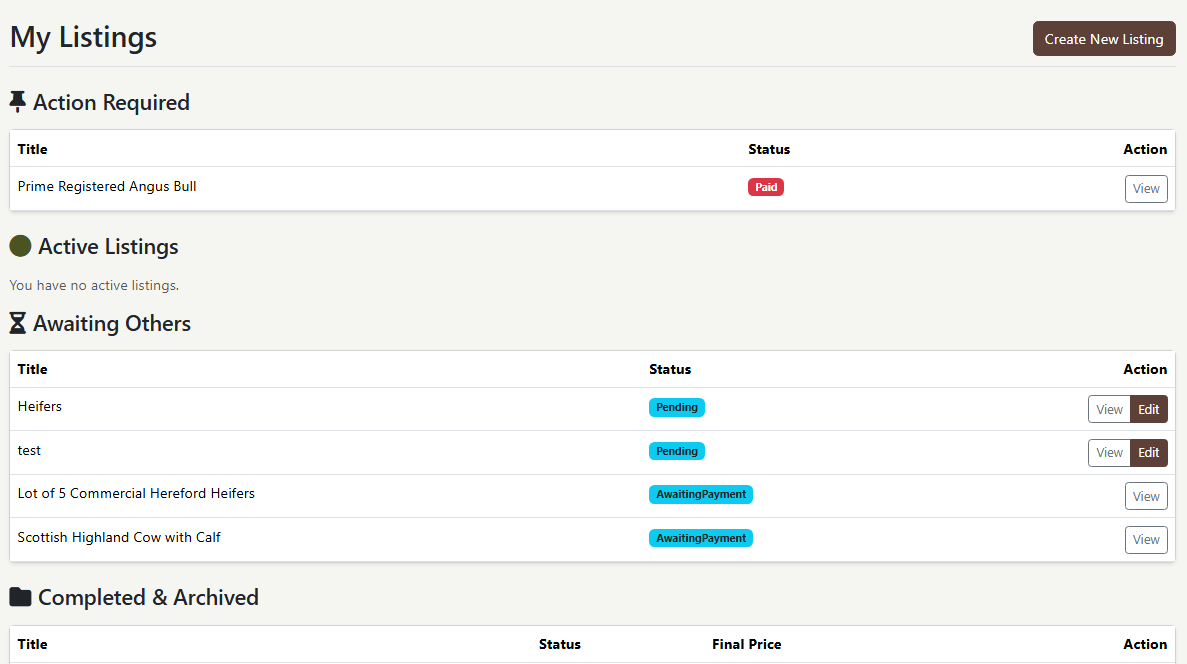
Creating & Managing Listings
Once you're an approved seller, you can create listings from your dashboard. After you submit a listing, it's sent to our team for a quick review before it goes live. You can manage all your listings from the "My Listings" page, where they are organized by status (Action Required, Active, etc.).